
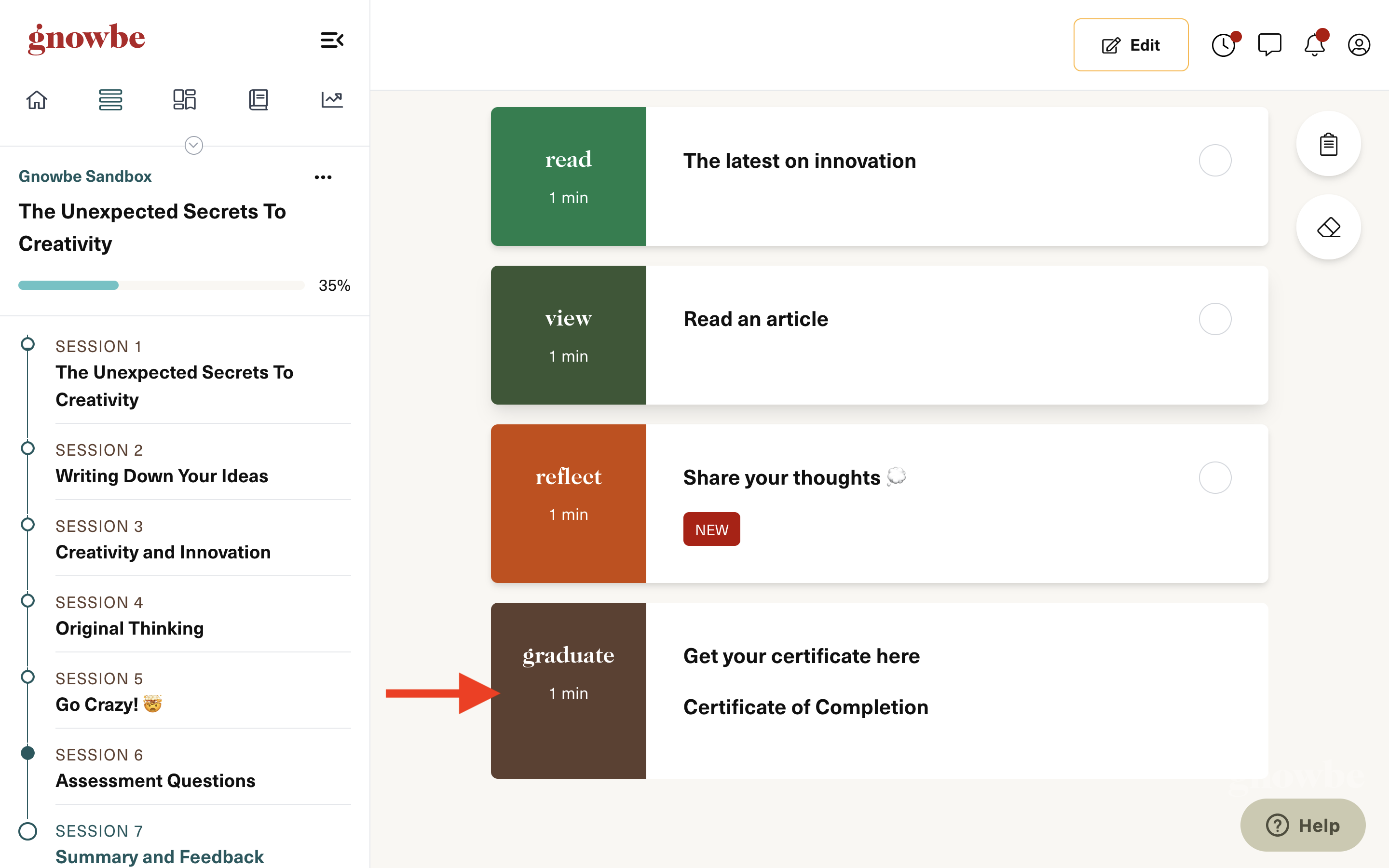
- Log into Gnowbe Web, go into your program, and click the certificate action.
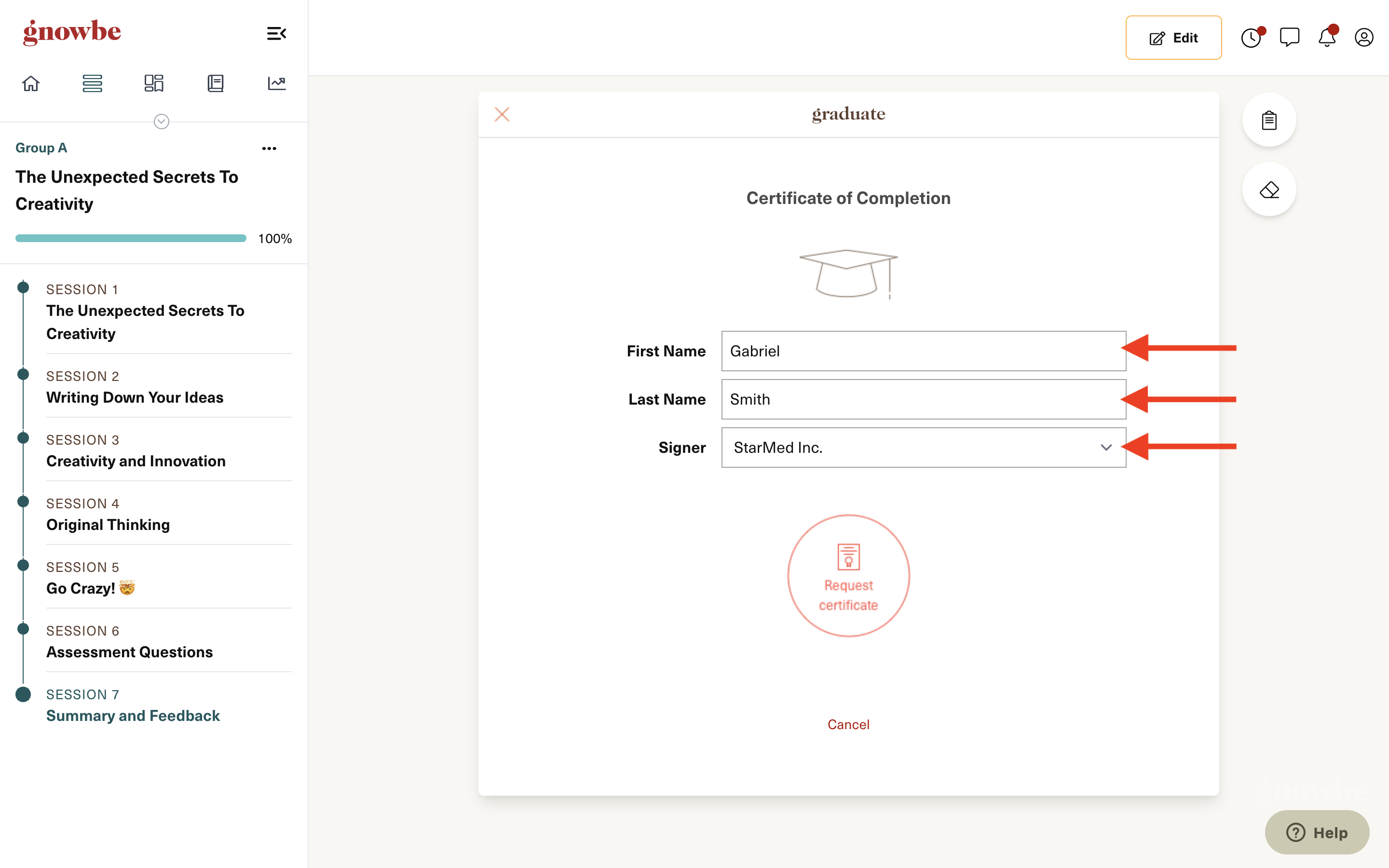
- Ensure that your First Name, Last Name, and Signer details are accurate.
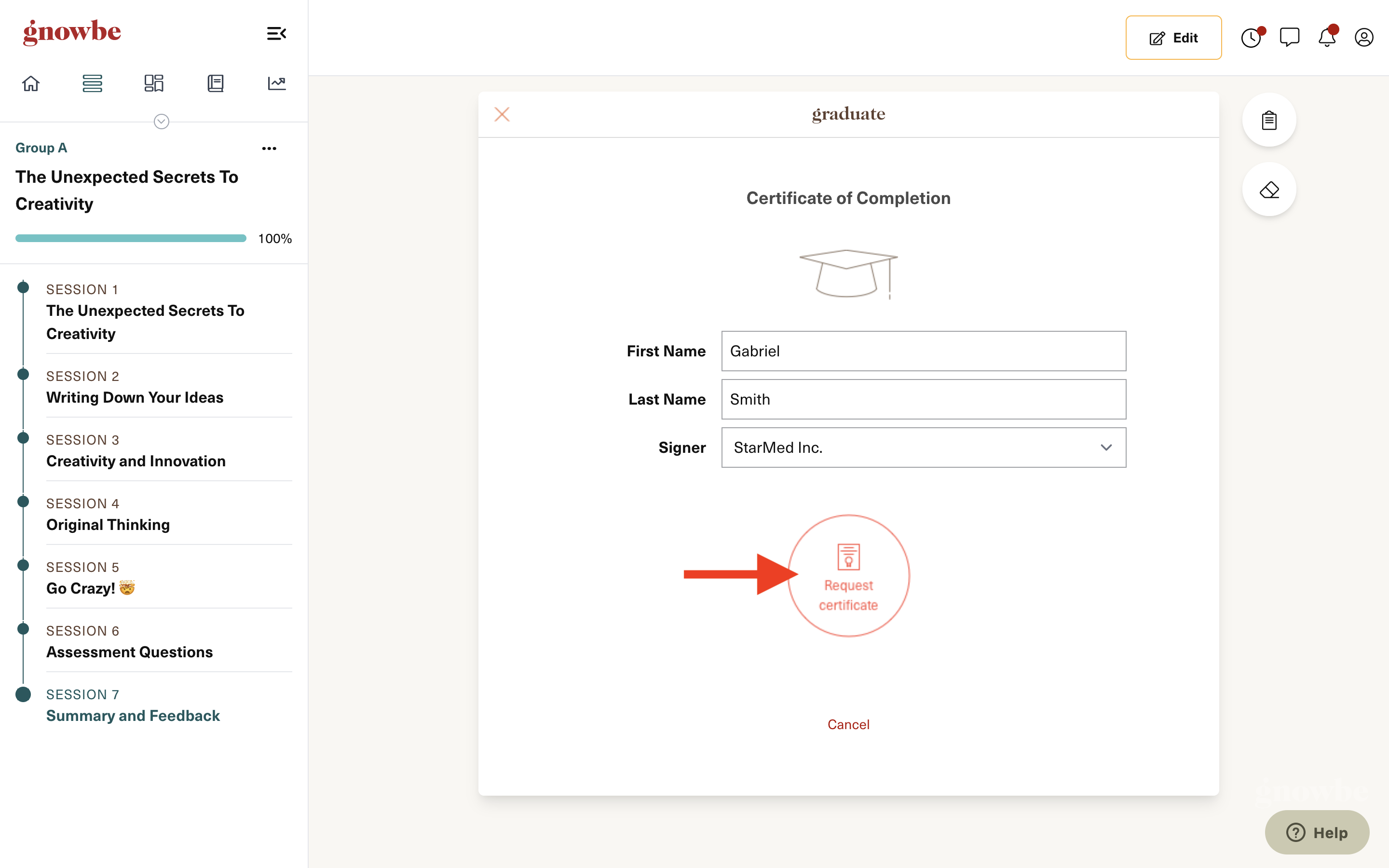
- Click Request certificate.
- Copy the certificate URL (you'll need it later).

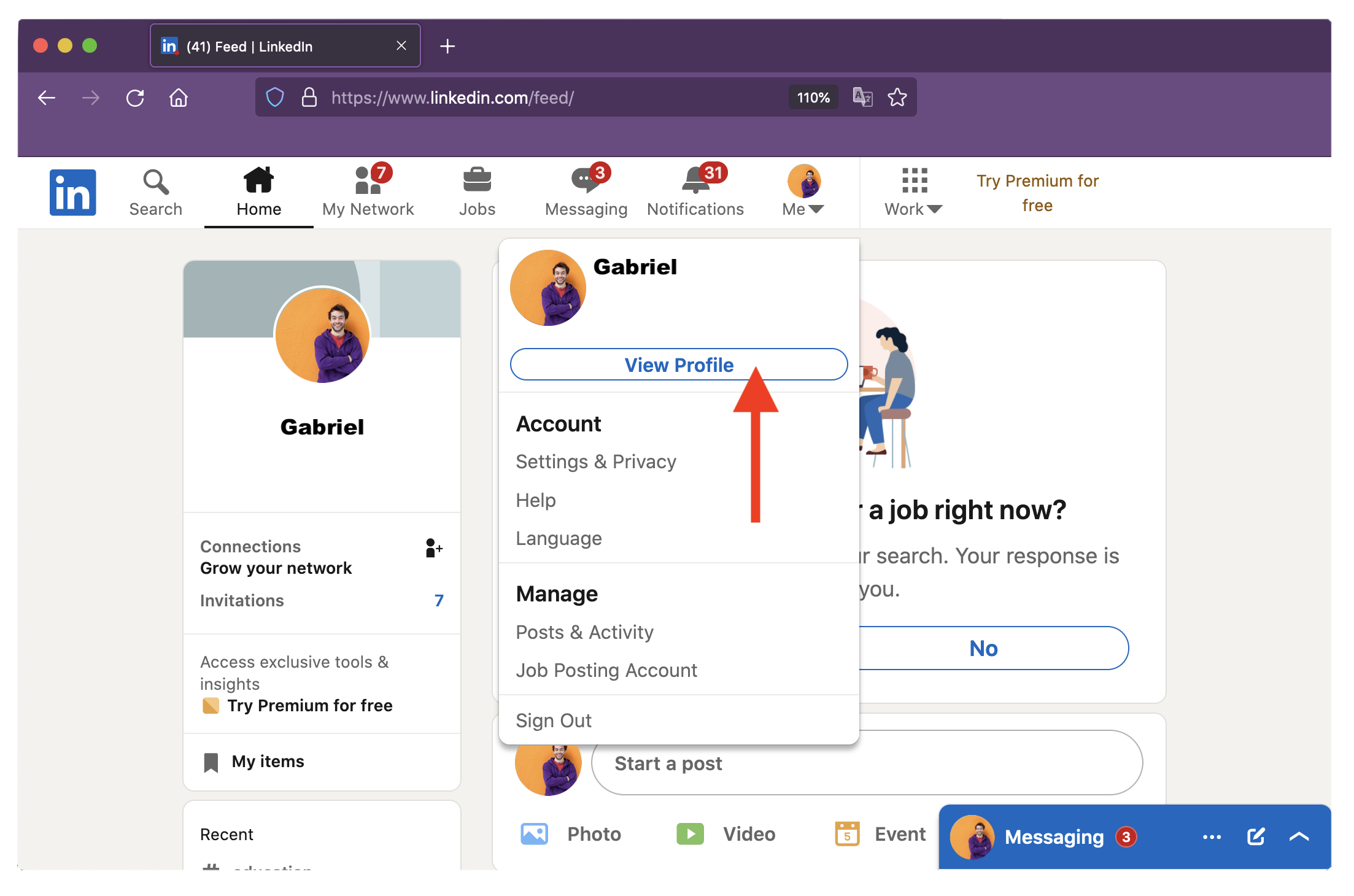
- Log into your LinkedIn profile and click Me on the navigation bar.
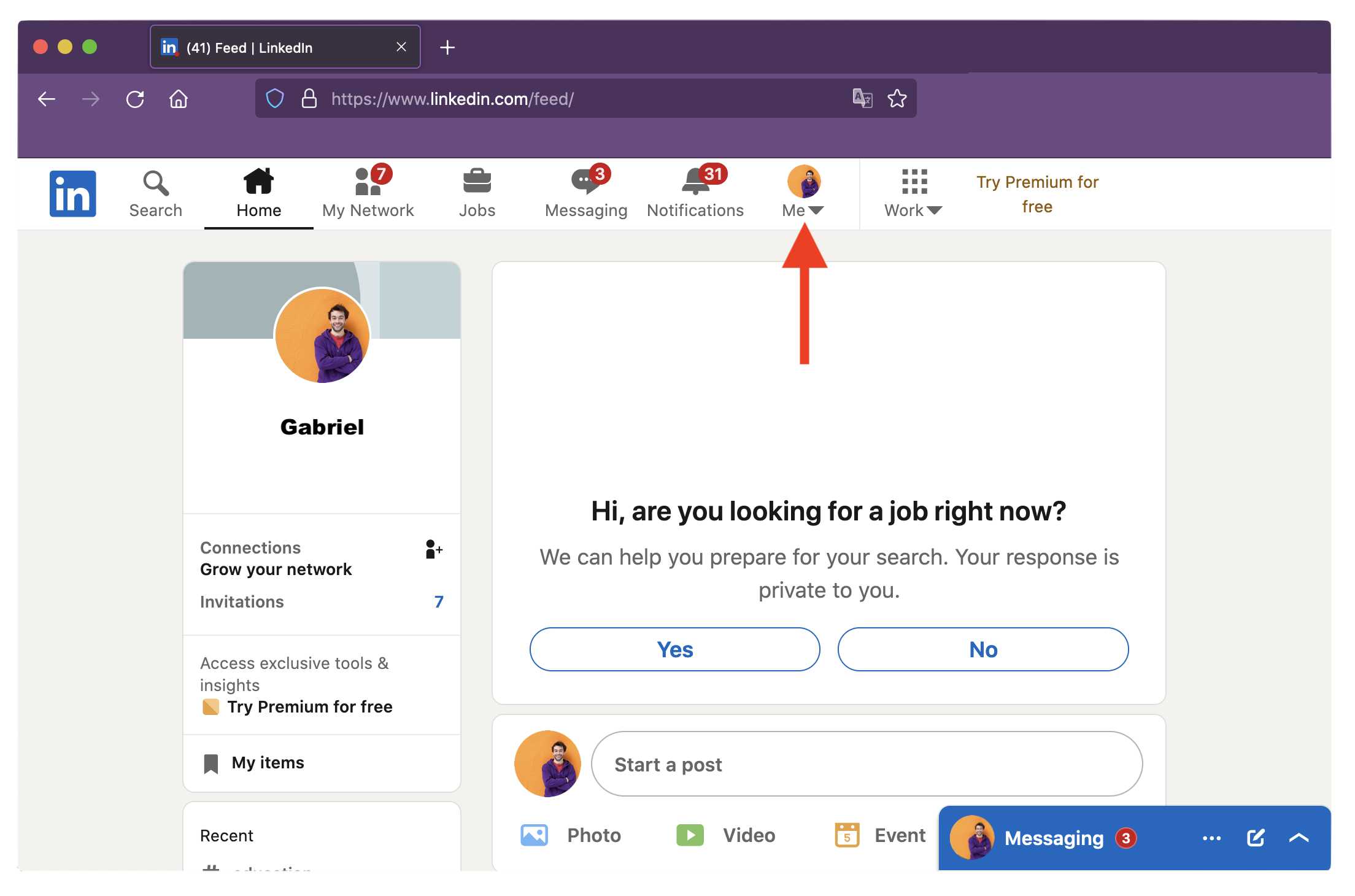
- Click View Profile.
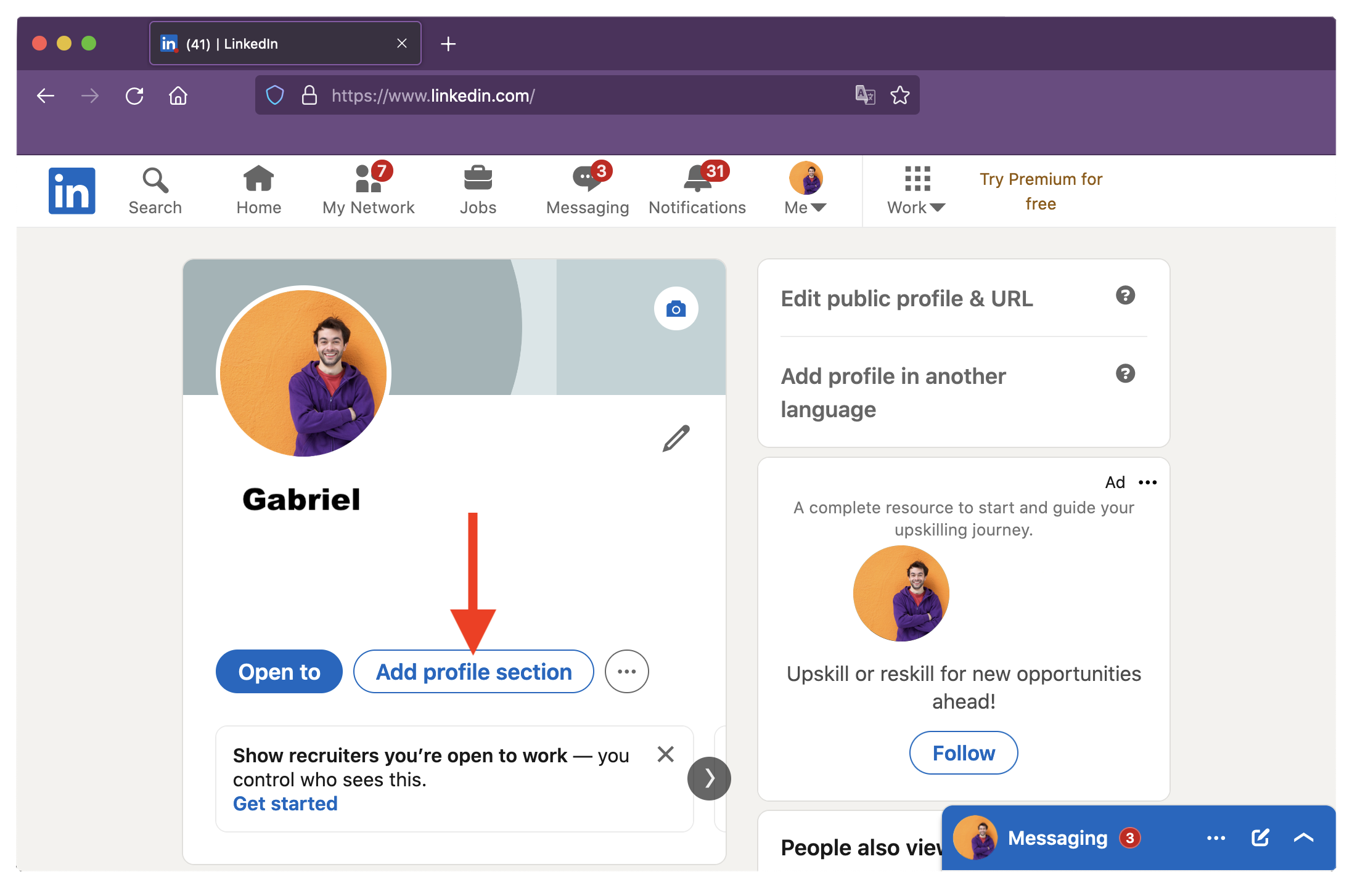
- Click Add profile section.
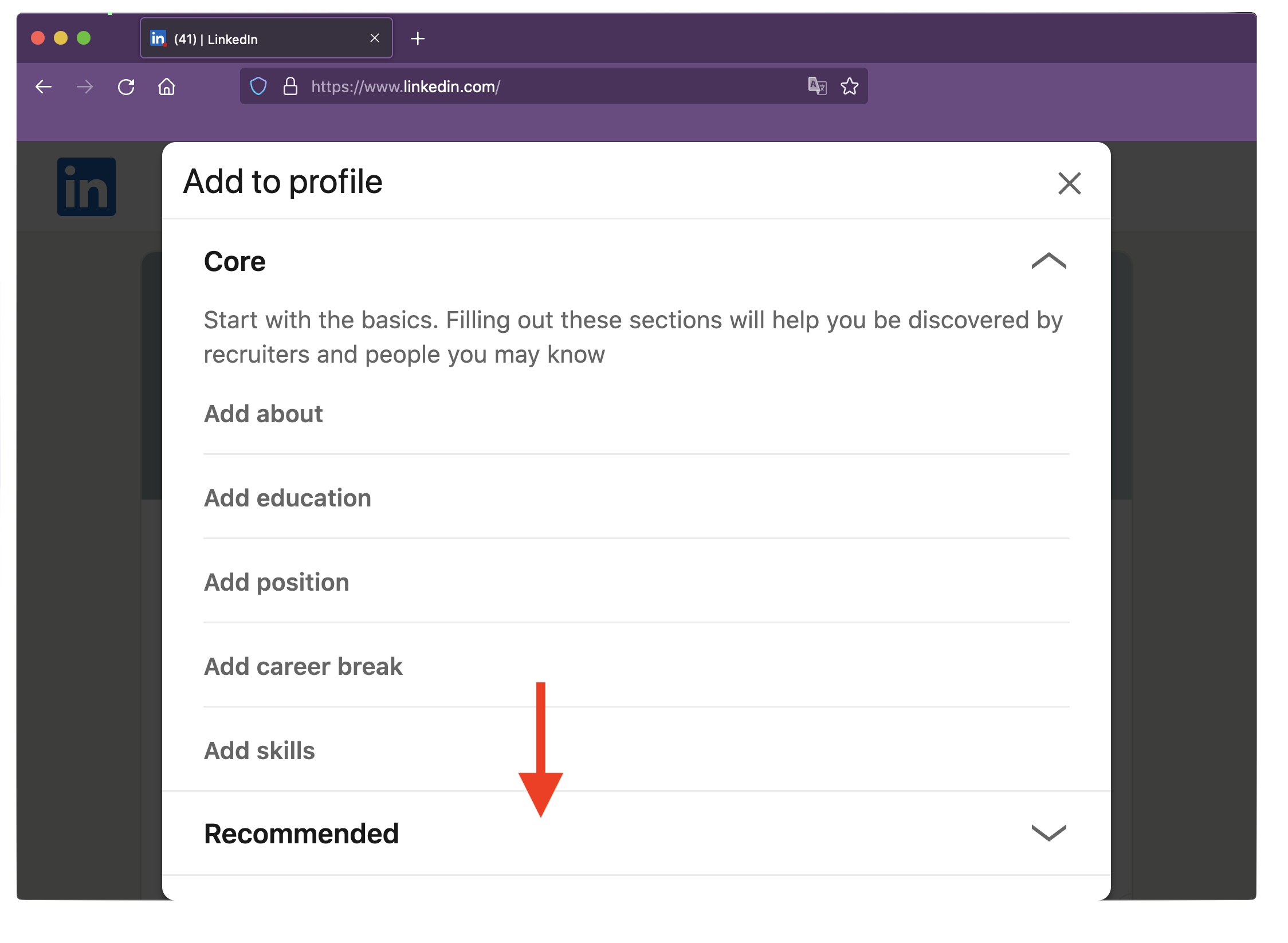
- Expand the Recommended tab.
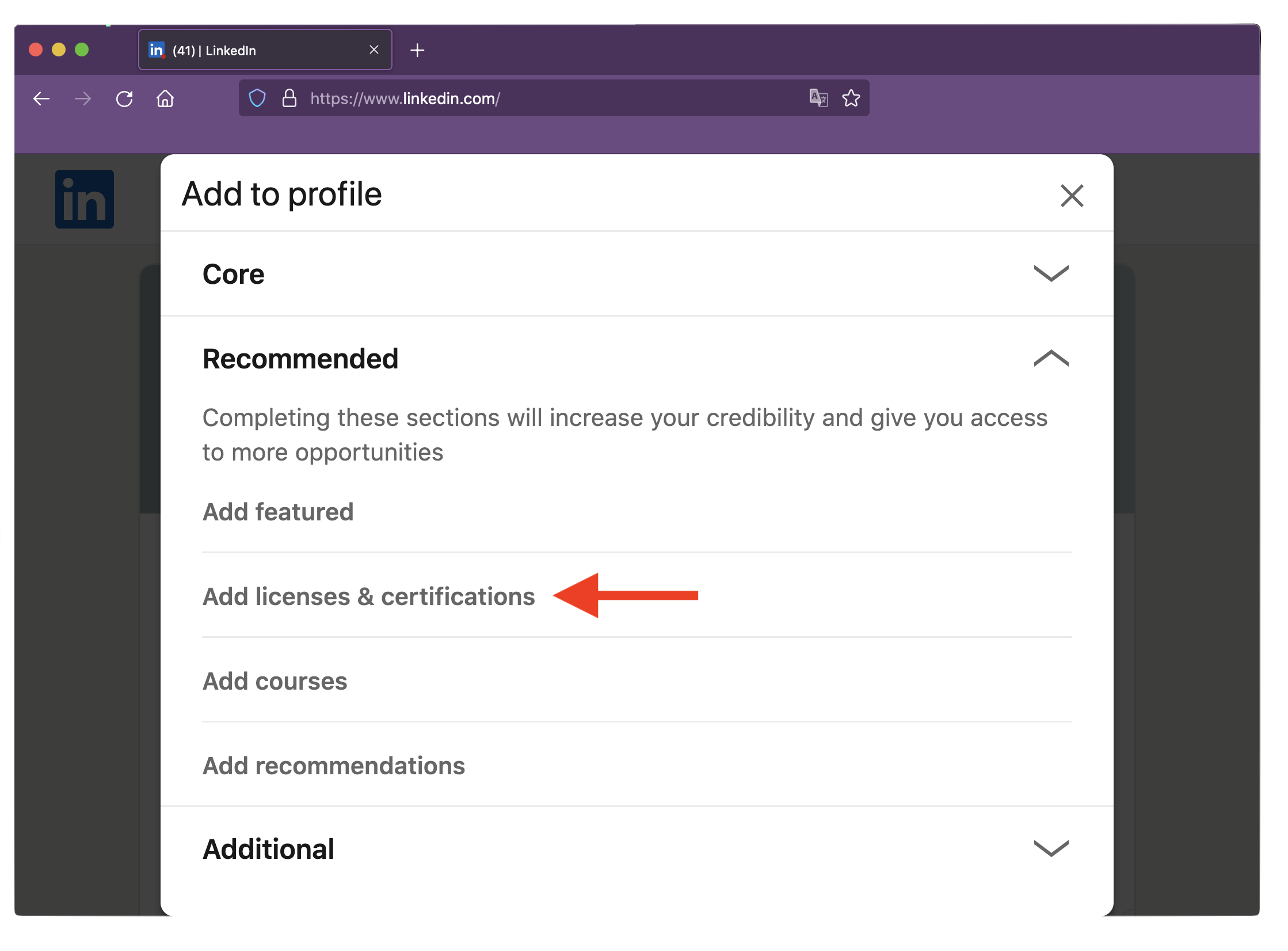
- Click Add licenses and certifications.
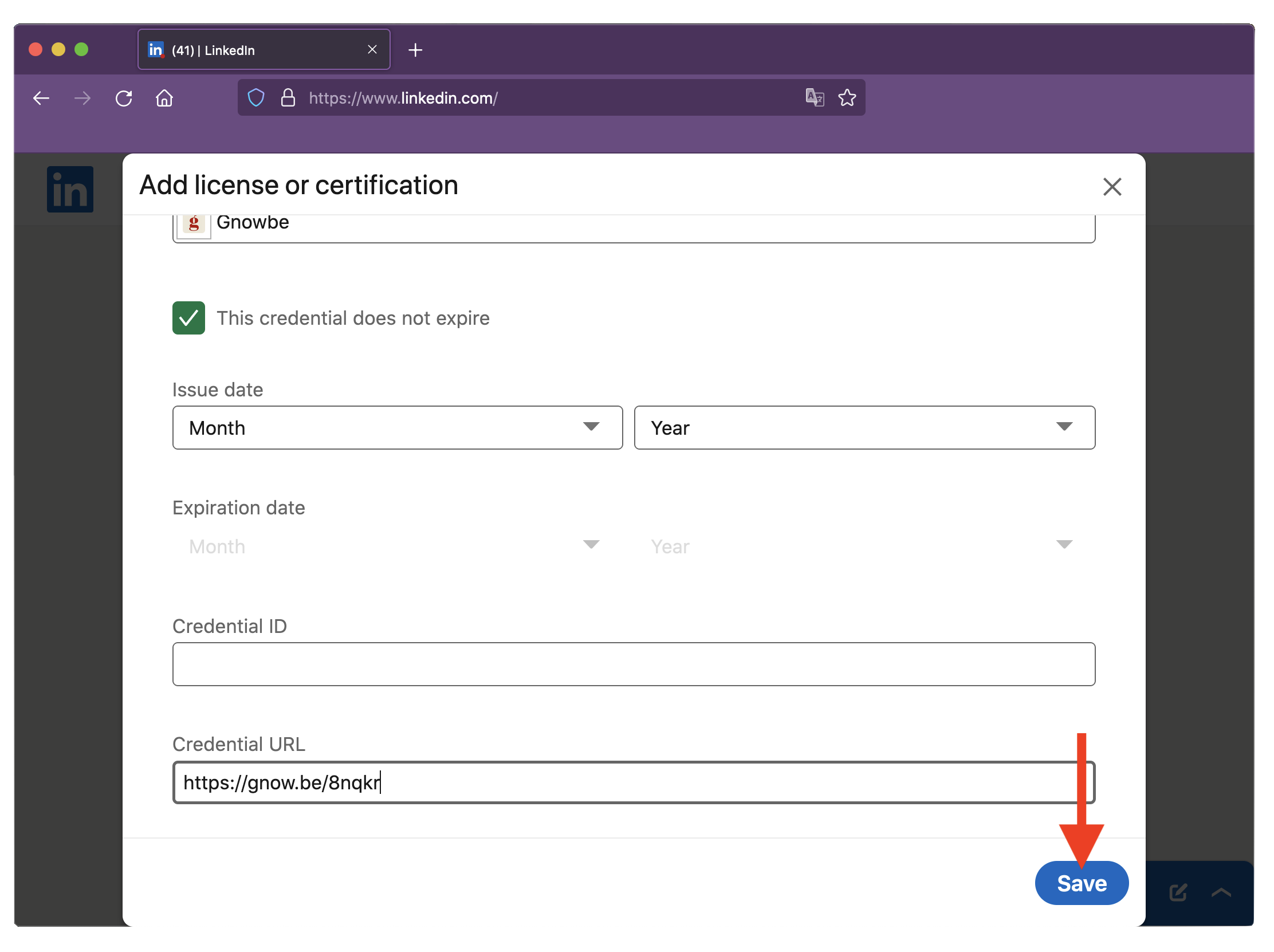
- Fill out your Name, Issuing organization (Gnowbe), and the issue date.

- Scroll down to find the Credential URL field. Paste the certificate URL you copied in step 2 here.

- Once done, click Save.
--------------------
You’ve found the dad jokes section*
Why did the invisible man turn down the job offer? He couldn't see himself doing it.
*This is irrelevant to the guide; we just want to entertain you for a bit while you’re here! 🤣